
Your strategy.
Your Google Ads.
AdPilot, the Google Ads campaign builder.
Turn your website into Google Ads campaigns. Create, refine and launch with AdPilot.
See what you can do ↗How it works ↓Or preview a sample campaign free, no account needed.

From your website to a campaign you can review.
01Add your website
relay.exampleRELAY≡Sales software for growing teams.Keep every conversation and opportunity in one place.
Start with your business or product page.
02Choose your direction
CAMPAIGN GOAL↗ SalesCAMPAIGN TYPE⌕ Search campaign ●Performance MaxDemand GenChoose the campaign type and objective.
03Refine the draft
KEYWORD IDEASAD HEADLINESee your next sale clearly │AD DESCRIPTIONsales softwaresales CRMpipeline managementTrack opportunities from first conversation to sale.
AdPilot creates the strategy, keywords and ad copy. Review the result and select your imported images and videos.
04Decide what goes live
Campaign review✓StrategyReview✓KeywordsReview✓Ad copyReview✓AssetsReviewPublishing statusⅡ PausedExport your campaign, or publish it paused with Connected.
Your business in.
A campaign draft out.
See how your offer becomes a strategy, keywords and ad copy.
Explore campaign creation ↗Explore wireless headphones for work, travel and everything between.

Explore wireless headphones for work, travel and everything between.
Shop headphones · Explore the collection- Goal
- Sales
- Campaign
- Search
- Audience
- Online shoppers
Choose where your business shows up.
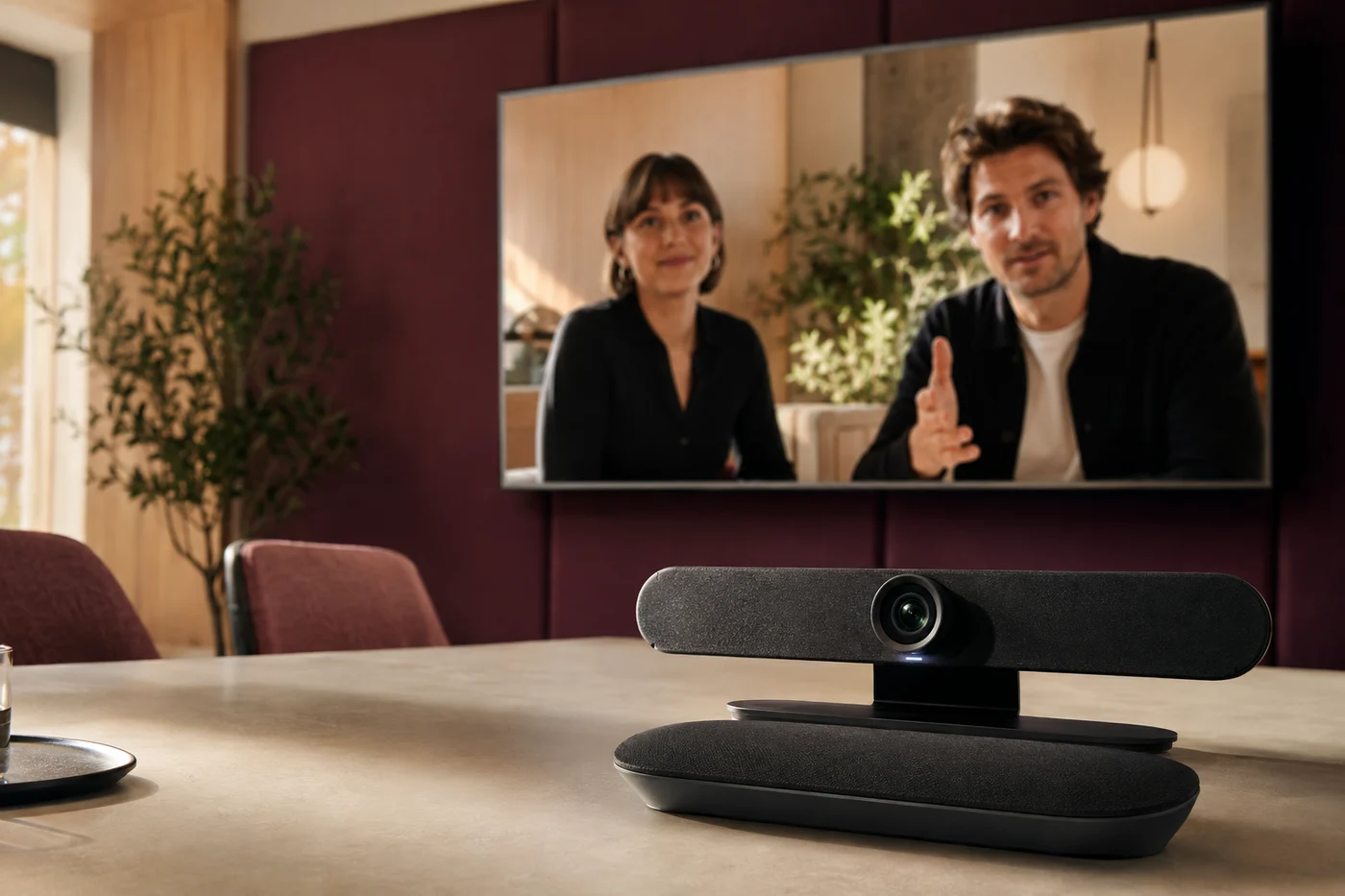
In the room.
way to
meet.
Your images.
More possibilities.
Choose the images and videos for your campaign from your imported assets. AdPilot prepares the image formats for Google Ads.
See how assets fit in ↗Already running ads?
Find your next move.
Review existing Google Ads campaigns. Find wasted searches, weak copy and budget opportunities, then choose what to act on.
Explore Optimize ↗Review irrelevant searches as negative keywords.
Make the next set of headlines more specific.
Use selected recommendations in campaign generation.
One shared workspace.Edit your headline ↗
Start with AI.
Or build it yourself.
Manual campaign creation, with help when you want it.
↗+ Market contextPositioning → Keyword ideas
See what else
is out there.
Explore competitors and discover keyword ideas.
↗Different businesses.
Everything in order.
Keep each website's campaigns and assets together.
↗Your questions.
Clear answers.
Creating, reviewing and improving your campaigns with AdPilot.
Which Google Ads campaign types can I create with AdPilot?
AdPilot supports Search, Display, Performance Max, YouTube, Demand Gen and Shopping campaigns. Choose the campaign types that fit your business, offer and advertising goals.
How does AdPilot create a Google Ads campaign from my website?
Start with your website or a product page. AdPilot uses that context to help build a strategy, ad copy, keywords and campaign assets. You review and edit the campaign before exporting or publishing.
Can I edit the generated campaign before publishing?
Yes. Review the strategy, edit the ad copy and keywords, and choose your assets before publishing your Google Ads campaign. You can also start in the manual campaign builder.
Can AdPilot help with Google Ads campaigns I already run?
Yes. Optimize in the Connected plan reviews existing Google Ads campaigns. Explore search terms, ad copy and budget opportunities, then select recommendations to inform your next campaign build.
Can I use my own images and YouTube videos in campaigns?
Yes. Bring your images and YouTube videos into AdPilot, organise them by website and choose the assets for your campaigns. AdPilot also prepares image formats for Google Ads.
Can I try building a Google Ads campaign for free?
Yes. Use Build my campaign free to try campaign creation from your website before choosing a plan.
Your next campaign
starts here.
Explore the plans ↗Room to try another idea.